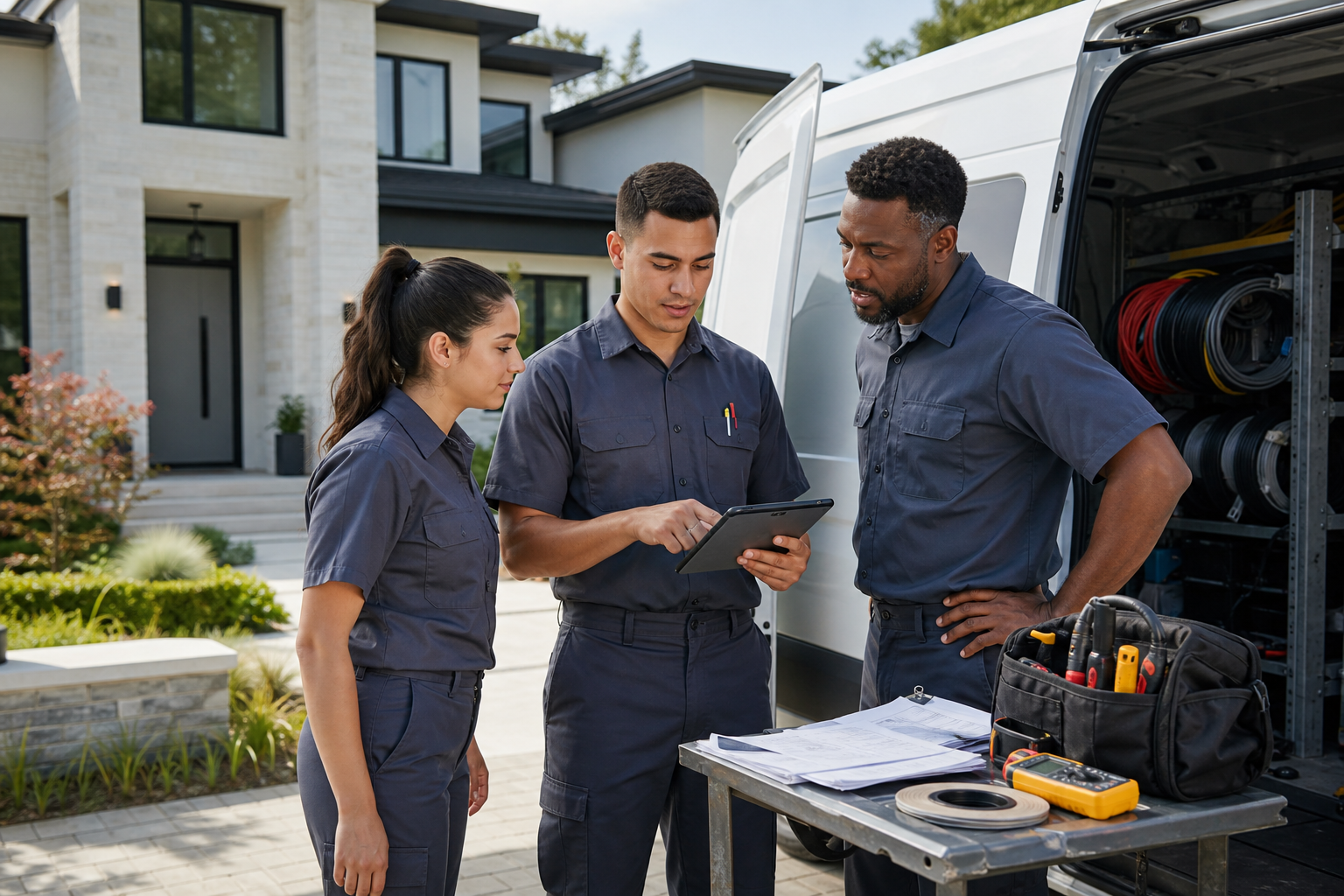
In 2025, customer texting for field service is no longer a nice extra. For many service businesses, it is becoming the default way to handle confirmations, ETA updates, reminders, and simple back-and-forth communication with customers. That shift is not just about convenience. It affects how quickly jobs get booked, how efficiently technicians get dispatched, and how customers judge the overall service experience.
If you run a plumbing, electrical, HVAC, landscaping, or general contracting business, the real question is not whether customers like texting. Most already do. The more important question is whether your team is using it in a way that actually reduces no-shows, cuts phone tag, and helps the office stay organized instead of creating one more channel to manage.
Done well, texting can speed up the workday and make your business feel more responsive without adding headcount. Done poorly, it can create confusion, missed updates, and inconsistent service. Here is what is changing, what to watch for, and how to adopt texting in a practical way.
Why customer expectations have shifted toward text-first communication
Customers are used to getting updates from delivery companies, healthcare providers, banks, and airlines by text. Field service is following the same pattern. Homeowners and property managers now expect to know when a technician is scheduled, whether the appointment is confirmed, and when the crew is on the way.
That expectation matters because field service has always had communication friction:
- Customers miss calls from the office.
- Voicemails go unheard for hours.
- Technicians get delayed between jobs.
- Dispatchers spend too much time answering “Where is the tech?” calls.
- Reschedules create manual follow-up work.
Texting solves many of these routine issues because it is quick, asynchronous, and easy to review later. A customer can confirm an appointment while in a meeting. A dispatcher can send a delay notice to several customers in minutes. A technician can trigger an “on my way” message without stopping to make a phone call.
That does not mean every interaction should become a text. Complex problems, complaints, and high-value estimates still often need a phone conversation. But for time-sensitive operational updates, SMS is increasingly the most efficient tool.
How customer texting for field service improves scheduling
Scheduling is one of the first places texting delivers a measurable payoff. Most shops feel the pain of unconfirmed appointments, last-minute cancellations, and customers who simply forget the agreed window.
Faster confirmations
A text confirmation usually gets a quicker response than a voicemail. Even when the customer does not reply immediately, the message sits in front of them and is easier to act on later.
A practical workflow looks like this:
- Job is scheduled in your FSM system.
- Customer receives a confirmation text with date and time window.
- Customer replies to confirm or request a change.
- Office updates the schedule before the dispatch board gets messy.
That one change can reduce the morning scramble caused by uncertain appointments.
Appointment reminders that reduce avoidable no-shows
Reminder texts are simple, but they matter. A reminder sent the day before and another one the morning of service can prevent wasted truck rolls, especially for maintenance visits, smaller repairs, and property management work.
In the field, even a modest drop in missed appointments can have a real impact. If your average service call is worth a few hundred dollars, avoiding just a handful of no-shows each month can protect thousands in revenue and labor time over a year. The exact number varies by trade, but the operational effect is very real.
Quicker rescheduling when plans change
Customers often do not want to call just to move a job by a day. Texting makes that easier, which sounds small but has a big operational benefit: your team finds out sooner. Earlier notice gives dispatch more time to fill open slots and reduce downtime.
When scheduling and messaging are connected in one system, the office can reschedule and notify the customer without jumping between apps. That is one reason many service businesses are moving away from patchwork workflows toward integrated platforms with scheduling, work orders, and customer communication in one place. You can see how that fits into broader FSM workflows on FieldFlow’s features page.
Texting is changing dispatch from reactive to proactive
Dispatch has always been a game of constant adjustments. Traffic, emergency jobs, overruns, missing parts, weather, and technician availability all affect the day. Texting helps dispatch stay ahead of those changes instead of just responding after customers get frustrated.
ETA updates reduce inbound call volume
One of the biggest benefits of field service SMS is fewer “Just checking on arrival time” calls. A short text saying the technician is en route, along with a tighter ETA window, gives customers confidence that the job is still on track.
For office staff, fewer inbound status calls means more time for higher-value work:
- Rebooking canceled appointments
- Supporting technicians with parts or job notes
- Following up on estimates
- Managing urgent dispatch changes
This is especially valuable during peak seasons, when the office can get buried in routine status calls.
Delay messaging protects trust
Customers can handle delays better than silence. If a technician is running 30 to 45 minutes late, a text update sent early usually preserves goodwill. Without that update, the customer may assume your team forgot the appointment.
That trust factor matters. In service businesses, communication often shapes customer satisfaction as much as the repair itself. A perfectly completed job can still earn a poor review if the customer feels left in the dark for three hours.
Technician-triggered messages from the field
The strongest texting workflows do not depend entirely on the office. Technicians should be able to trigger standard updates from the mobile app as they move through the day:
- On the way
- Delayed
- Need to reschedule
- Job completed
- Invoice sent
This only works reliably if the mobile app functions well in real field conditions. In many service areas, crews still deal with poor signal in basements, mechanical rooms, rural roads, and new construction sites. That is why offline capability matters so much. If your techs lose access every time coverage drops, communication breaks down at the worst possible moment. For more on that, see Why Offline-First FSM Software Matters More in 2025.
Customer texting is reshaping the service experience, not just operations
It is easy to think of texting as a scheduling tool, but customers experience it as part of your brand. It changes whether your business feels organized, modern, and easy to work with.
It makes service feel more transparent
Most customers do not expect perfection. They do expect clarity. Text updates create that clarity by answering three common questions before the customer has to ask:
- Is my appointment confirmed?
- Is the technician still coming today?
- What happens next?
That transparency is especially important for occupied homes, commercial facilities, and property managers coordinating tenant access.
It supports faster approvals and follow-up
Not every quote needs a long sales call. For smaller repairs or add-on work, a text prompt can move things forward quickly:
- “We emailed your estimate. Let us know if you would like to approve and get on the schedule.”
- “Your invoice is ready. Reply here if you need it resent.”
- “We have an opening tomorrow morning if you want an earlier appointment.”
These are small touches, but they shorten the gap between job completion, approval, and payment.
It helps small businesses compete with larger operators
Big service brands often win on perceived professionalism as much as technical skill. Texting helps smaller companies close that gap. Automated reminders, technician ETA alerts, and clean follow-up messages make a five-truck shop feel far more polished than one still relying on sticky notes and missed calls.
That matters in a labor market where customer expectations keep rising. The U.S. Bureau of Labor Statistics continues to track strong demand across many skilled trades, which keeps pressure on service businesses to operate efficiently while delivering a better experience. See the broader labor outlook at https://www.bls.gov.
Where texting works best in the field service workflow
Not every message belongs in SMS. The most effective teams use texting for short, clear, action-oriented communication.
Best use cases for SMS
- Booking confirmations: Confirm the date, time window, and service address.
- Reminder texts: Reduce forgotten appointments.
- On-the-way alerts: Let customers prepare for arrival.
- Delay notices: Preserve trust when the schedule slips.
- Simple rescheduling: Offer a callback or reply option.
- Estimate follow-up: Prompt faster decisions on smaller jobs.
- Invoice and payment reminders: Nudge collection without a call.
When a phone call is still the better choice
- Scope changes that need explanation
- Difficult customer complaints
- Safety issues on site
- Complex commercial coordination
- High-value sales conversations
A good rule is simple: if the message needs nuance, empathy, or negotiation, call. If it needs speed and clarity, text.
What to watch out for before adopting customer texting for field service
Texting can create problems if it is added casually without process. The businesses that get the most value usually standardize how messages are sent, who owns them, and where conversation history is stored.
Avoid using personal phones and scattered message threads
When technicians and office staff text from personal devices, several issues appear fast:
- Customer history gets lost
- Managers cannot see what was promised
- Messages disappear when an employee leaves
- Response quality becomes inconsistent
Keep customer communication inside your business system whenever possible so scheduling, dispatch, and service history stay connected.
Do not over-text
Too many messages become noise. Most customers appreciate a few useful updates, not a running commentary on your dispatch board. Start with the essentials:
- Confirmation
- Reminder
- On-the-way
- Delay, if needed
- Completion or invoice follow-up
If every workflow sends three extra texts, customers will tune out the ones that actually matter.
Be careful with response expectations
If you invite replies by text, someone on your team needs to own the inbox. A customer who texts back and hears nothing for hours will not view that as better service.
Set clear operating rules:
- Who monitors incoming texts?
- During what hours?
- What response time is acceptable?
- Which issues get escalated to a call?
Keep compliance and professionalism in mind
Messages should be concise, accurate, and appropriate for business use. For safety-sensitive industries and regulated work, remember that text is a communication tool, not a substitute for formal documentation, signed approvals, permits, or compliance procedures. Depending on your trade, agencies such as https://www.osha.gov may still shape what must be documented separately.
How to implement texting without creating chaos
If you want to adopt texting successfully in 2025, start small and tie it to your existing workflow.
1. Pick three high-value message types
For most service businesses, the best starting set is:
- Appointment confirmation
- Day-before reminder
- Technician-on-the-way alert
These are easy to standardize and usually produce immediate operational value.
2. Use templates, but keep them human
Templates save time, but robotic messages can feel cold. Write them the way a capable dispatcher would actually speak.
For example:
- “Hi Sarah, your plumbing appointment is confirmed for Thursday between 10 and 12.”
- “Your technician is on the way and should arrive in about 25 minutes.”
- “We’re running behind on the prior job and now expect arrival closer to 3:15. Thanks for your patience.”
Short, clear, and respectful works best.
3. Connect texting to scheduling and dispatch
Standalone texting tools can help at first, but the long-term value comes when messaging is tied directly to jobs, technicians, and customer records. That way, updates are triggered by real workflow changes instead of manual copy-paste.
Field service teams comparing systems are also paying more attention to cost structure. If every added dispatcher or technician triggers another software fee, scaling communication gets expensive fast. Flat pricing has become part of the software conversation for exactly that reason. Related reading: Why Flat-Rate Pricing Is Reshaping Field Service Software in 2025.
4. Measure a few practical outcomes
You do not need a complex analytics project. Track a few operational metrics for 60 to 90 days:
- Appointment confirmation rate
- No-show or unable-to-access rate
- Inbound “where is the tech” calls
- Time from completed job to paid invoice
- Customer review comments mentioning communication
If texting is working, you should see less friction in at least two or three of these areas.
5. Train technicians and office staff together
Texting affects both sides of the operation. Dispatch needs to know when to send updates. Technicians need to know when to trigger them and when a call is better. Shared training prevents mixed signals and awkward handoffs.
What customer texting will look like next in field service
The trend in 2025 is not just more texting. It is smarter texting built into the entire service workflow.
Expect to see more field service businesses use SMS alongside:
- Automated status changes tied to dispatch events
- Live ETA adjustments
- Digital work orders and invoice links
- Two-way communication attached to the customer record
- Technician mobile workflows that still work offline
Texting also works even better when paired with route efficiency. The more accurate your schedule and arrival estimates, the more useful your customer messages become. That is why communication and routing are starting to converge inside modern FSM platforms. For a look at that side of the trend, read How GPS Route Optimization Is Changing Field Service in 2025.
For small-to-midsize service businesses, the bigger takeaway is simple: customers increasingly expect communication that feels immediate and reliable. Teams that meet that expectation can look more organized, reduce wasted admin time, and create a smoother service experience without overcomplicating their process.
Conclusion
Customer texting for field service is changing how service businesses operate in 2025 because it touches the three areas that matter most: scheduling, dispatch, and customer experience. The shops that benefit most are not the ones sending the most texts. They are the ones using texting intentionally, with clear workflows, connected job data, and mobile tools technicians can rely on in real field conditions.
If you want a simpler way to manage scheduling, dispatch, work orders, invoicing, and field communication without bloated pricing, join the FieldFlow waitlist. You can also review pricing and explore the platform’s features to see how FieldFlow is built for practical, affordable field service operations.